Packing Station for WooCommerce is the foundation for the Print App.
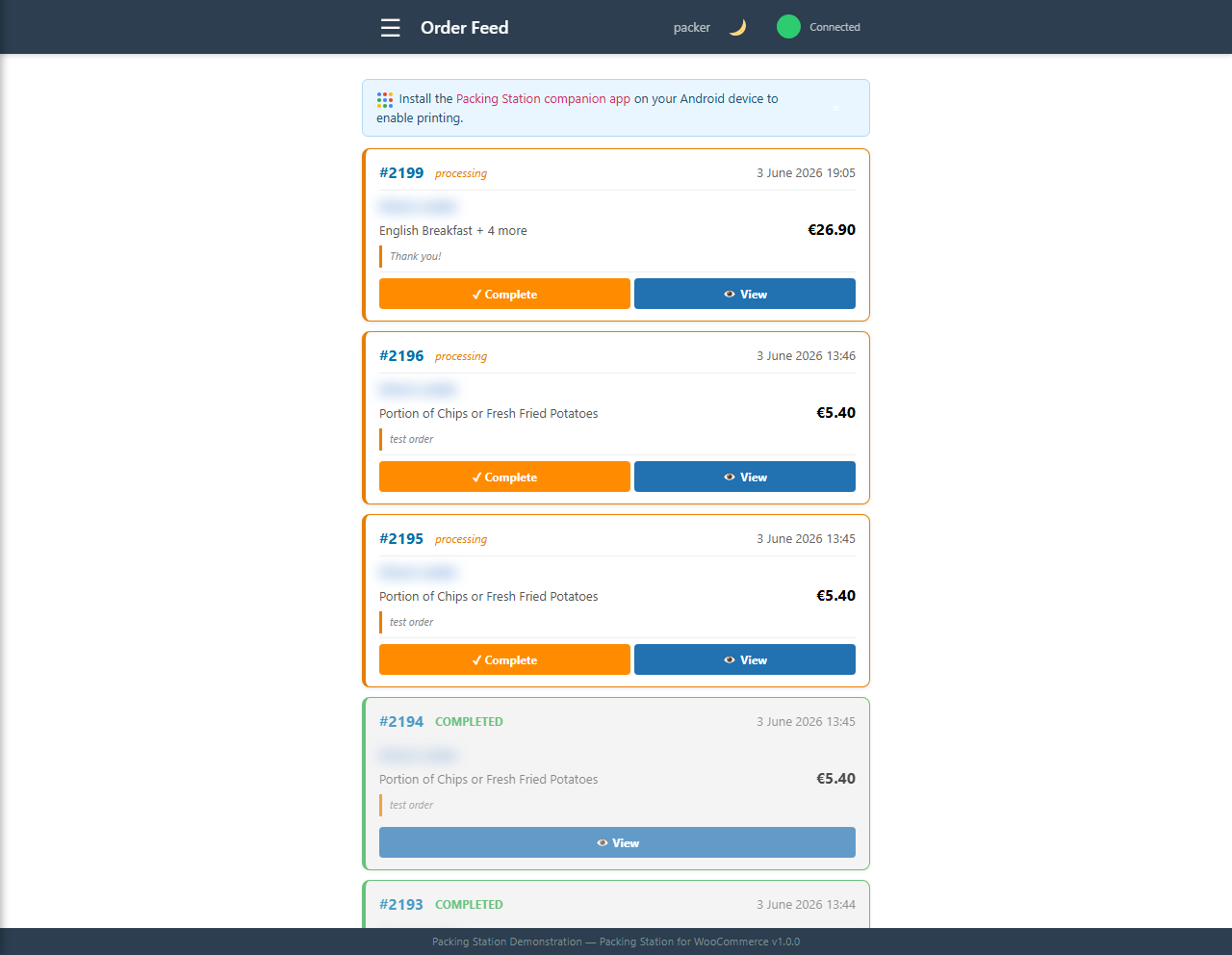
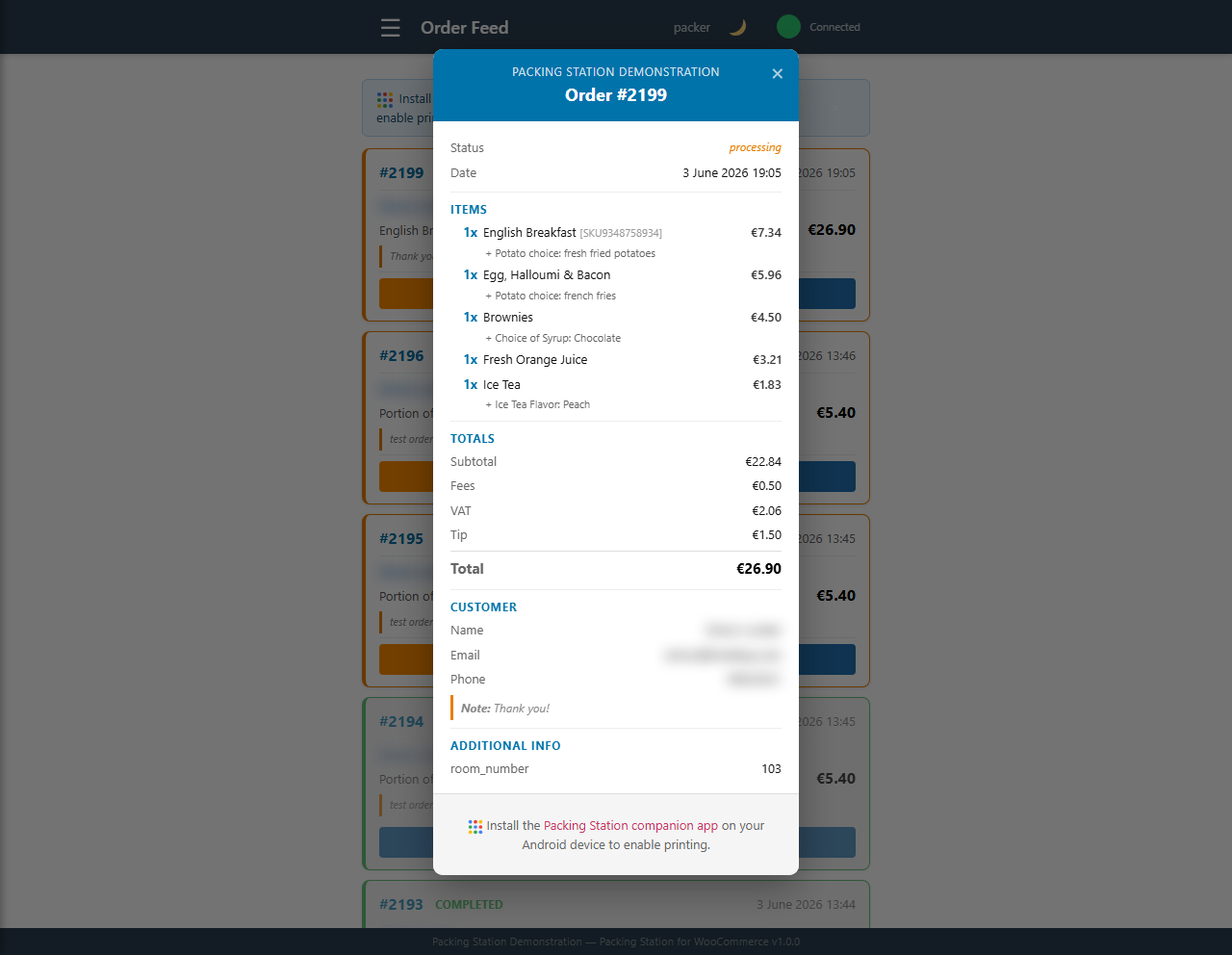
The plugin gives your WooCommerce team a focused order workspace: a live order feed, staff access, order status controls, stock management, and emergency store pause tools. The Android Print App builds on that same order feed to add local printing.
Plugin summary
A practical WooCommerce order screen for service and fulfilment.
Packing Station for WooCommerce is useful by itself, even before the Android app is involved. It gives staff a purpose-built place to see and manage orders without needing full WordPress admin access.
For the full plugin description, screenshots, installation notes, changelog, reviews, and support forum, use the WordPress.org plugin listing.
Developers can also extend controlled parts of the order feed, print payload, field registry, and workflow events using the public hook reference.
- Live order feed A cleaner order view for packing, kitchen, collection, delivery, or fulfilment teams.
- Staff workflow Staff access, selected order fields, audio alerts, and order status updates.
- Stock and emergency controls Stock management tools and an emergency pause/close option for busy or disrupted service.
- Print App foundation The Android app opens this same order feed and adds local print buttons and optional auto-printing.
Works without the App
The plugin can run as a browser-based order workspace for teams who only need order visibility and workflow controls.
Built for staff access
Staff can work from the Packing Station screens instead of being sent into the main WooCommerce admin area.
Ready for local printing
When you open the order feed inside Packing Station Print App, the App adds local printer controls without using a cloud print queue.
Developer hooks
Store developers can add fields, adjust the order feed, react to workflow events, and extend the print payload in controlled places.